Free
$0
- One active campaign you own for a new account
- Join other campaigns as a player
- Campaign chat, dice and character tools
- Basic images and accessibility tools
 RPGirc
RPGirc for Linux
The messages are the game.
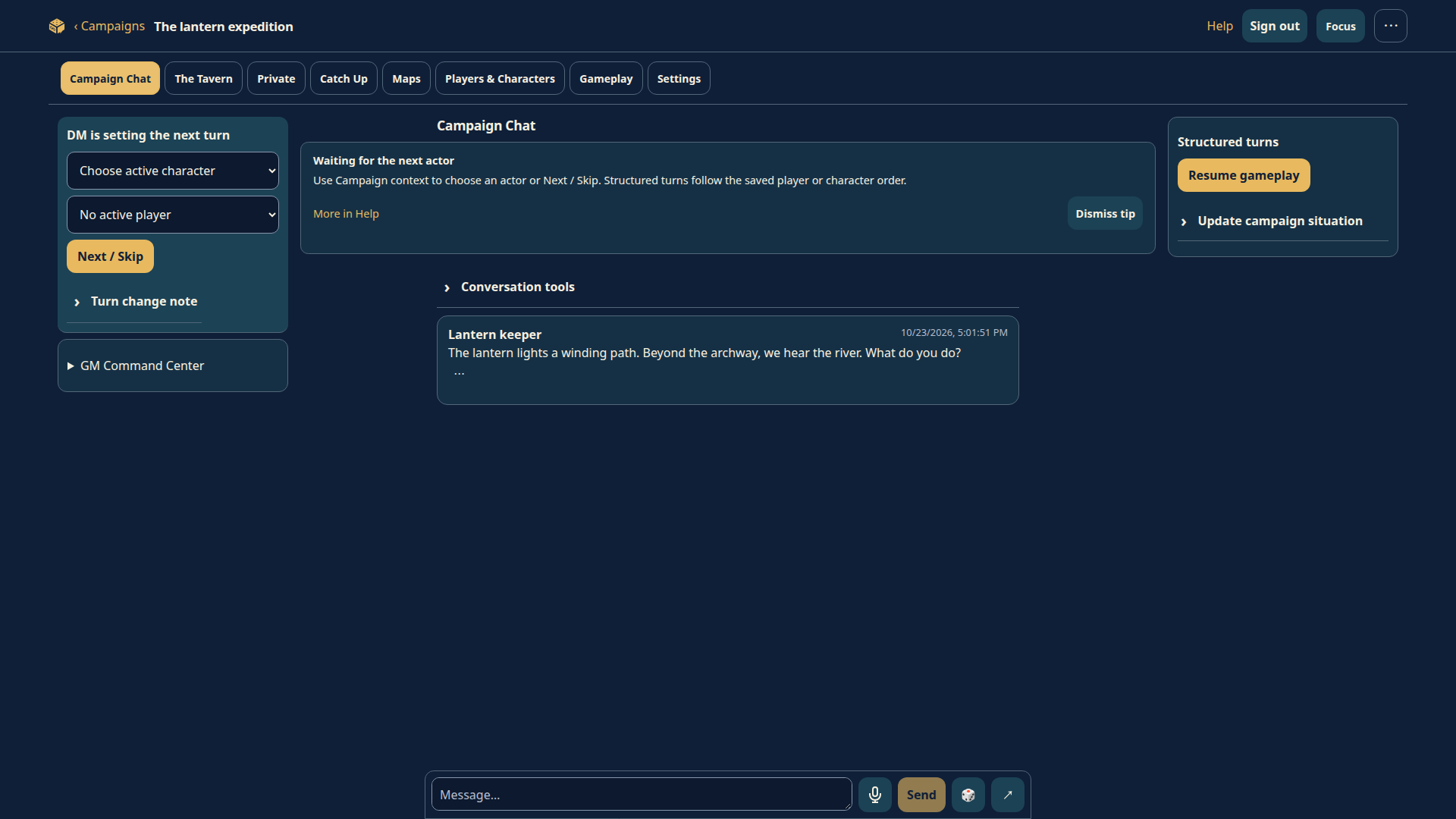
Play your tabletop campaign without meeting at a table or being online together. Play an ongoing adventure through messages with a human GM and players, using any tabletop system and your existing RPGirc account.
Prefer Discover or GNOME Software? Add our source.
Already installed? Choose a plan or manage billing.
Add the official RPGirc source once, then search for RPGirc in Discover or GNOME Software to install it and receive signed updates.
First-time Flatpak setup: enable the runtime source before installing. If Flathub is already enabled, skip this step. It supplies the required GNOME desktop libraries; RPGirc itself downloads and updates directly from rpgirc.com.
Enable required runtime source
Add RPGirc to your software center
Open the downloaded rpgirc.flatpakrepo file with your software center and approve adding RPGirc Linux. Then refresh or reopen the software center and search for RPGirc. Choose the current version, 1.0.5. Flatpak support is required. Adding the source does not install the app or start a subscription.
Open your Downloads folder, then open rpgirc.flatpakrepo with Discover or GNOME Software. If neither can open it, enable Flatpak support for your distribution. You can also add the source in Konsole or another terminal:
flatpak remote-add --user --if-not-exists rpgirc https://rpgirc.com/downloads/linux/rpgirc.flatpakrepo
flatpak update --user --appstream rpgirc
If your software center reports a missing desktop runtime, use the Download for Linux installer; it configures the required runtime source. Already installed from this website? Your RPGirc source is already configured; you can keep using it.
Download the installer and open it in your software manager. It adds the signed RPGirc update repository and the required desktop runtime.
Need Flatpak support? Set up Flatpak for your distribution.
Open RPGirc and sign in, or create a free account. Your campaigns and verified subscriptions belong to your account and work across devices.
Join friends and start playing free. For more campaign capacity, open Plans & billing from Your campaigns. Secure checkout opens in your browser.
flatpak install --user https://rpgirc.com/downloads/linux/RPGirc.flatpakref
flatpak run com.rpgirc.RPGirc//stable
Download the signed standalone bundle if your software manager cannot open the installer. Keep it updated with flatpak update.
Joining someone else’s campaign is free. Optional subscriptions expand the campaigns you own and your image storage. All listed recurring prices are in USD, before applicable tax.
$0
$4.99 /month
Keep Free storage and add active campaign slots.
| Extra campaigns | USD/month |
|---|---|
| 1 | $0.99 |
| 2 | $1.98 |
| 3 | $3.97 |
| 4 | $5.96 |
Your signed-in account shows your exact allowance and monthly quote, including protected Beta Max, complimentary and legacy benefits. No purchase is made by following these links.
Subscriptions renew monthly until canceled. Review the recurring price and applicable tax before confirming payment. Manage billing, invoices and cancellation in Plans & billing. Canceling renewal preserves verified paid-through benefits; capacity changes never delete campaigns or files. Read subscription and cancellation terms.
Use “Open RPGirc for Linux” on the browser return page. If the browser does not open the app, switch to RPGirc and choose Restore or check membership. Your account only receives paid access after the server verifies the payment.
Sign in with the same account. Your existing membership is recognized; manage it through its original provider. The app prevents starting another subscription while an existing one is active or unresolved.
Install the new package and sign in again. Your server campaigns and subscriptions stay unchanged; local preferences and saved sign-in are separate. The earlier preview remains available. Keep it until you have checked access in the new app.
Version 1.0.5 updates the About dialog and software-center introduction with “No scheduling required.” Continue with your existing account on the original origin. Server campaigns and subscriptions stay unchanged. Existing local records and the old-origin saved session are retained; keep the earlier installation until saved records are exported. Window settings remain available. It uses com.rpgirc.RPGirc, secure session storage, desktop file dialogs, keyboard shortcuts, zoom and a dedicated billing-return handler. Internet access is required. The signing-key fingerprint is 32ABEEC573A31AC8823884EBE5D4B47811D29F18.
Checksums · Checksum signature · Public key · Client source · Direct-distribution build manifest
Optional contributions support development and running costs. They are separate from subscriptions and grant no membership or other benefits.